Sogroya Injection, Solution
Product Images NDC 0169-2035
View Photos of Packaging, Regulatory Labels, and Product Appearance
Product Visual Gallery
This gallery contains 91 technical images submitted to the FDA as part of the official labeling for Sogroya (NDC 0169-2035). Unlike standard consumer photos, these assets often include clinical data figures, molecular chemical structures, and official manufacturer packaging layouts.
As provided by Novo Nordisk, these visuals offer a comprehensive scientific overview of the product's physical and chemical identity, aiding pharmacists and researchers in product verification and study.
Product Images & Figures Index
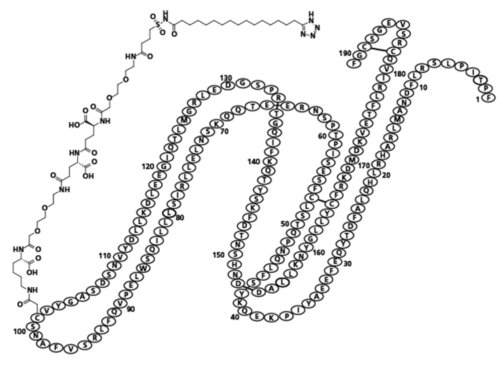
Image Of Molecule Structure (Image 02)
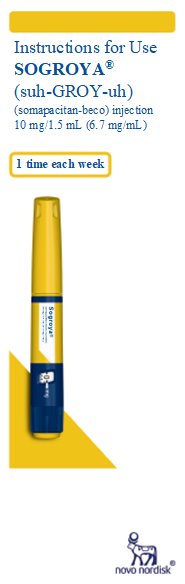
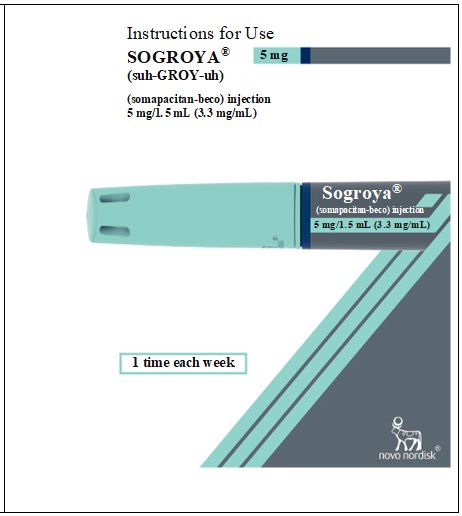
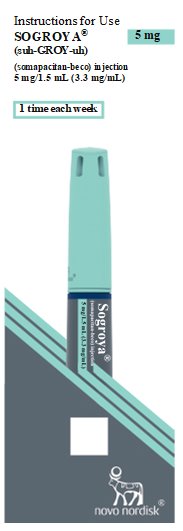
Front Cover Page (illustration of Sogroya Pen)
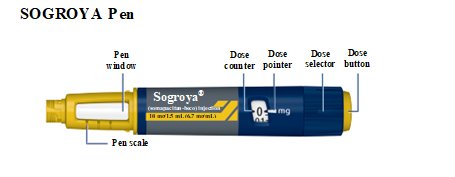
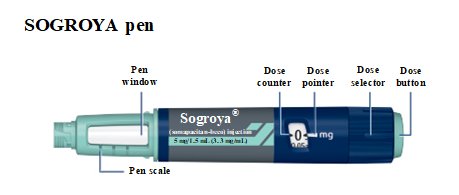
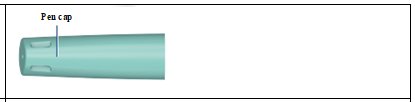
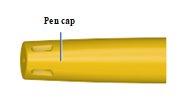
Illustration Of Sogroya Pen Components. (Image 04)
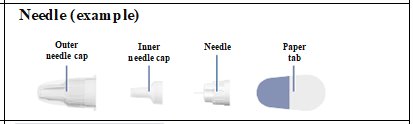
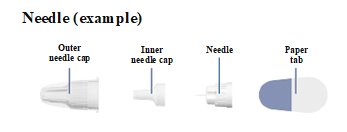
Illustration Of Needle Components (Image 05)
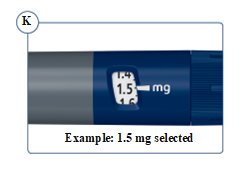
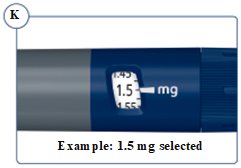
Figure K: Example Of 1.5 mg Selected (Image 06)
Back Cover Page. Illustration Of Sogroya Pen. (Image 07)
Image 08
Image 09
Image 10
Image 11
Image 12
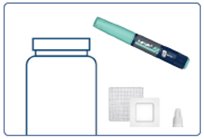
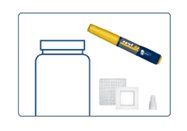
Supplies You Will Need (Image 13)
Important Information Symbol (Image 14)
Additional Information Symbol (Image 15)
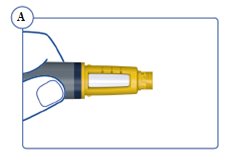
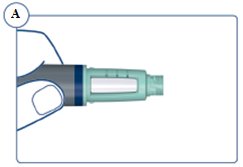
Figure A Turn Pen Upside Down (Image 16)
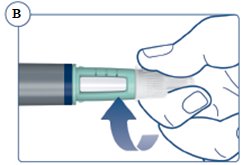
Figure B Push The Needle Straight On (Image 17)
Important Information Symbol (Image 18)
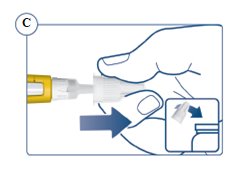
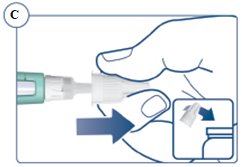
Figure C Pull Off Outer Needle Cap And Dispose Of It (Image 19)
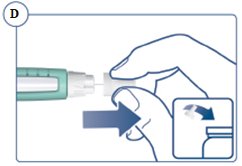
Figure D Pull Off Inner Needle Cap And Dispose Of It (Image 20)
Additional Information Symbol (Image 21)
Important Information Symbol (Image 22)
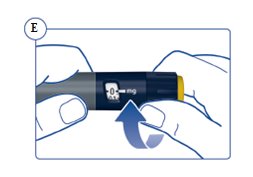
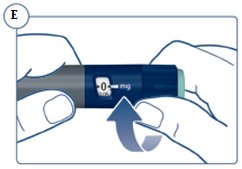
Figure E Turn Dose Selector Clockwise (Image 23)
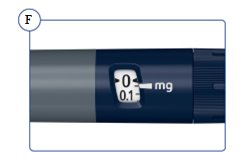
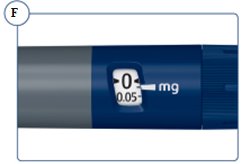
Figure F 1 Marking On Dose Counter Equals 0.05 mg. (Image 24)
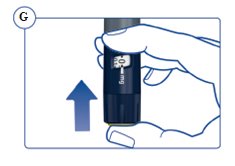
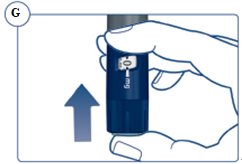
Figure G Hold The Pen With The Needle Pointing Up (Image 25)
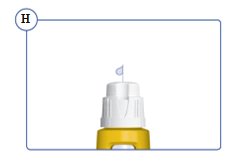
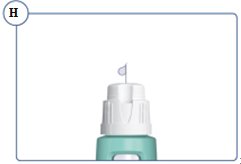
Figure H Check That A Drop Appears At The Needle Tip (Image 26)
Important Information Symbol (Image 27)
Important Information Symbol (Image 28)
Important Information Symbol (Image 29)
Additional Information Symbol (Image 30)
Additional Information Symbol (Image 31)
Additional Information Symbol (Image 32)
Additional Information Symbol (Image 33)
Additional Information Symbol (Image 34)
Additional Information Symbol (Image 35)
Additional Information Symbol (Image 36)
Additional Information Symbol (Image 37)
Image 38
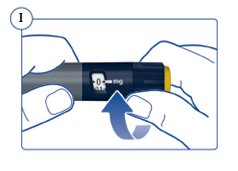
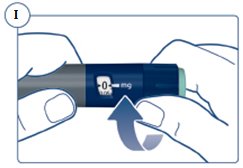
Figure I Turn The Dose Selector Clockwise (Image 39)
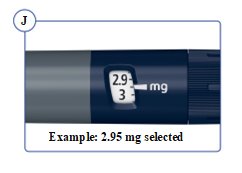
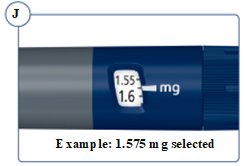
Figure J Example 2.95 Selected (Image 40)
Image 41
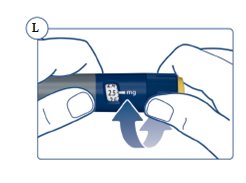
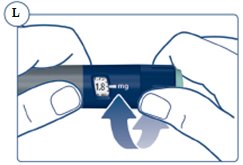
Figure L The Pen Clicks Sound And Feel Differently (Image 42)
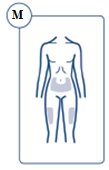
Figure M Injection Sites (Image 43)
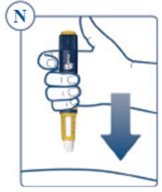
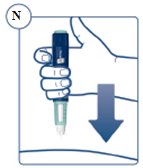
Figure N Insert The Needle (Image 44)
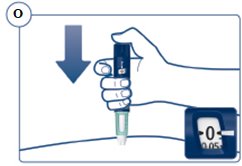
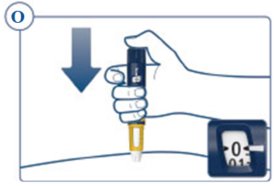
Figure O Press And Hold Down The Dose Button (Image 45)
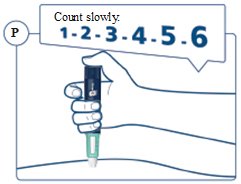
Figure P Count Slowly To 6 (Image 46)
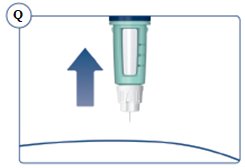
Figure Q Remove The Needle From Your Skin (Image 47)
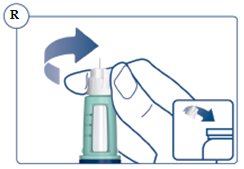
Figure R Place The Needle In A Sharps Container (Image 48)
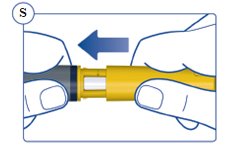
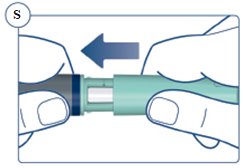
Figure S Put The Pen Cap On Your Pen (Image 49)
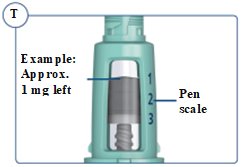
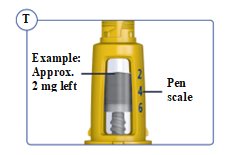
Figure T The Pen Scales Shows Approximately How Much Is Left (Image 50)
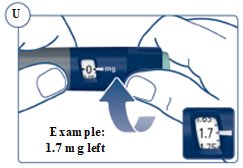
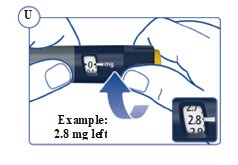
Figure U Example 2.8 mg Left (Image 51)
Image 52
Image 53
Image 54
Image 55
Image 56
Image 57
Image 58
Image 59
Image 60
Image 61
Image 62
Image 63
Image 64
Image 65
Image 66
Image 67
Image 68
Image 69
Image 70
Image 71
Image 72
Image 73
Image 74
Image 75
Image 76
Image 77
Image 78
Image 79
Image 80
Image 81
Image 82
Image 83
Image 84
Image 85
Image 86
Image 87
Image 88
Image 89
Image 90
Image 91
* These product label images have been analyzed using experimental machine learning. Please verify findings with the primary label text.