Insulin Aspart Injection, Solution
Product Images NDC 50090-4955

View Photos of Packaging, Regulatory Labels, and Product Appearance

Product Visual Gallery

This gallery contains 45 technical images submitted to the FDA as part of the official labeling for Insulin Aspart (NDC 50090-4955). Unlike standard consumer photos, these assets often include clinical data figures, molecular chemical structures, and official manufacturer packaging layouts.

As provided by A-s Medication Solutions, these visuals offer a comprehensive scientific overview of the product's physical and chemical identity, aiding pharmacists and researchers in product verification and study.

Product Images & Figures Index

FDA Label Image

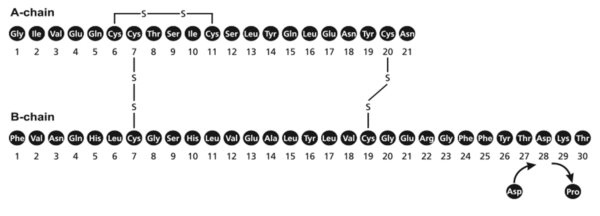
Molecular Formula (Image 01)
Molecular Formula (Image 01)
This is not-available because the text does not provide a readable description, but rather appears to be a combination of numbers, symbols, and letters that do not form coherent sentences or language.*
FDA Label Image

Figure 1 (Image 02)

FDA Label Image

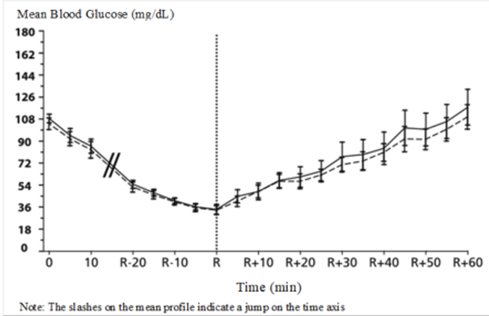
Figure 3 (Image 03)

Figure 3 (Image 03)
This appears to be a graph displaying the Mean Blood Glucose level (in mg/dL) over time (in minutes). However, the x-axis labeling is not clearly readable. The graph may indicate some fluctuations over time, with a peak at around 180 mg/dL. The note on the graph suggests that there may be a jump in the time axis.*
FDA Label Image

Figure 4 (Image 04)

FDA Label Image

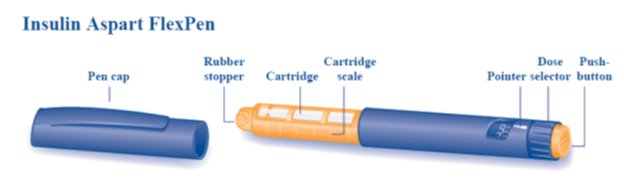
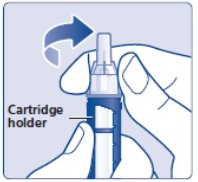
Overview (FlexPen)

Overview (FlexPen)
The text seems to be a visual description of a medical device called "Insulin Aspart FlexPen". It includes different parts such as a rubber, a cartridge, a dose push, a pen cap, a stopper, a scale, a pointer selector button, and some symbols.*
FDA Label Image

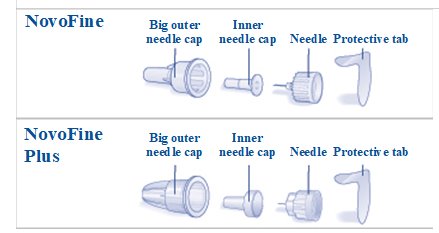
Novifine And Novofine Plus (Overview)

Novifine And Novofine Plus (Overview)
This text appears to be describing two different types of medical needles - NovoFine and NovoFine Plus. Each type has an outer and inner needle cap, a protective tab, and possibly different needle sizes (although this is not explicitly stated). The text includes an alphanumeric code at the end, which may be a reference number for these products.*
FDA Label Image

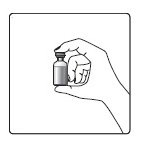
Vial Figure (Image 07)

FDA Label Image

Hand And Vial Figure (Image 08)

FDA Label Image

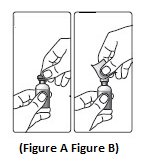
Figure A And Figure B (Image 09)

FDA Label Image

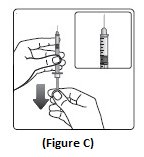
Figure C (Image 10)

FDA Label Image

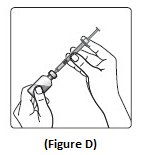
Figure D (Image 11)

FDA Label Image

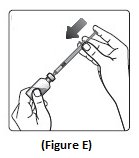
Figure E (Image 12)

FDA Label Image

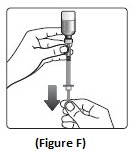
Figure F (Image 13)

FDA Label Image

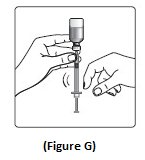
Figure G (Image 14)

FDA Label Image

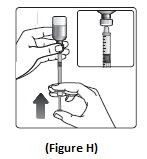
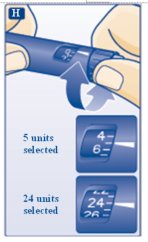
Figure H (Image 15)

FDA Label Image

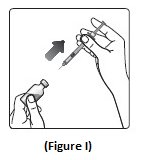
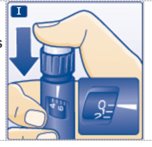
Figure I (Image 16)

FDA Label Image

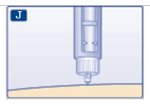
Fig. J (Image 17)

FDA Label Image

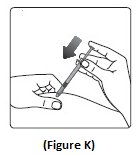
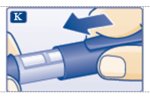
Figure K (Image 18)

FDA Label Image

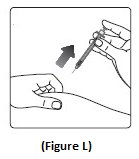
Figure L (Image 19)

FDA Label Image

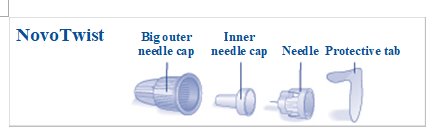
Novotwist Needle (Image 20)

FDA Label Image

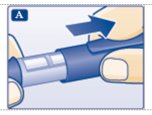
Pull Off The Pen Cap (Image 21)

FDA Label Image

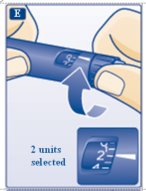
Turn The Dose Selector To Select 2 Units. (Image 22)

FDA Label Image

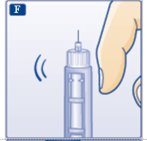
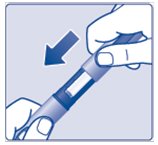
Tap The Cartridge Gently (Image 23)

FDA Label Image

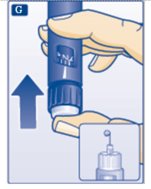
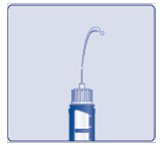
Keep The Needle Pointing Upwards (Image 24)

FDA Label Image

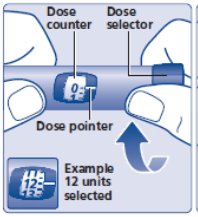
Turn The Dose Selector To The Number Of Units You Need To Inject (Image 25)

FDA Label Image

Giving The Injection (Image 26)

FDA Label Image

Making Sure That The Full Dose Has Been Given (Image 27)

FDA Label Image

Put The Pen Cap On (Image 28)

FDA Label Image

Figure A Penfill Cartridge And Needle Components. (Image 41)

Figure A Penfill Cartridge And Needle Components. (Image 41)
This is a description of insulin delivery devices and accessories. It mentions different types of needle caps, cartridges, and plunger designs compatible with NovoFine and PenFill cartridges. The text also implies the use of dose pens and describes some of their components and functionality.*
FDA Label Image

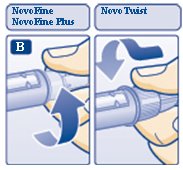
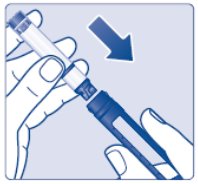
Diagram B: Attaching The Needle. (Image 43)

FDA Label Image

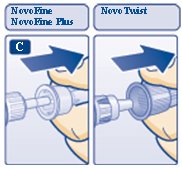
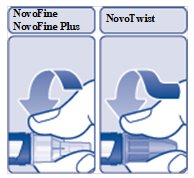
Diagram C: Pull Off The Outer Needle Cap. (Image 44)

FDA Label Image

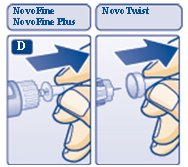
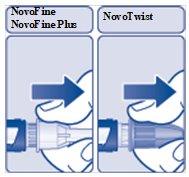
Diagram D: Pull Off Inner Needle Cap. (Image 45)

FDA Label Image

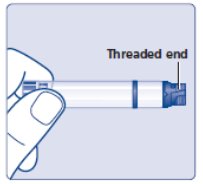
Figure B: Check The Penfill Cartridge. (Image 53)

FDA Label Image

Figure C: Insert The Cartridge. (Image 58)

FDA Label Image

Figure D: Pust The Needle Straight On. (Image 59)

FDA Label Image

Figure E: Pull Off The Outer Needle Cap. (Image 60)

FDA Label Image

Figure F: Pull Off The Inner Needle Cap. (Image 61)

FDA Label Image

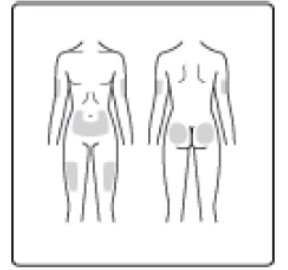
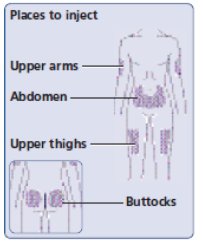
Figure I: Injection Sites (Image 62)

FDA Label Image

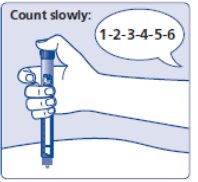
Figure J: Count Slowly. (Image 63)

FDA Label Image

Figure K: Lead The Needle Tip Into The Outer Cap. (Image 65)

FDA Label Image

Figure L: Unscrew The Needle. (Image 66)

FDA Label Image

Figure M: Put The Cap On The Device. (Image 67)

FDA Label Image

Figure G: Insulin Squirts. (Image 68)

FDA Label Image

Figure H: Select Your Dose. (Image 69)

FDA Label Image

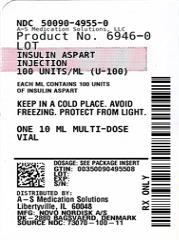
Label Image (Lbl500904955)

* These product label images have been analyzed using experimental machine learning. Please verify findings with the primary label text.